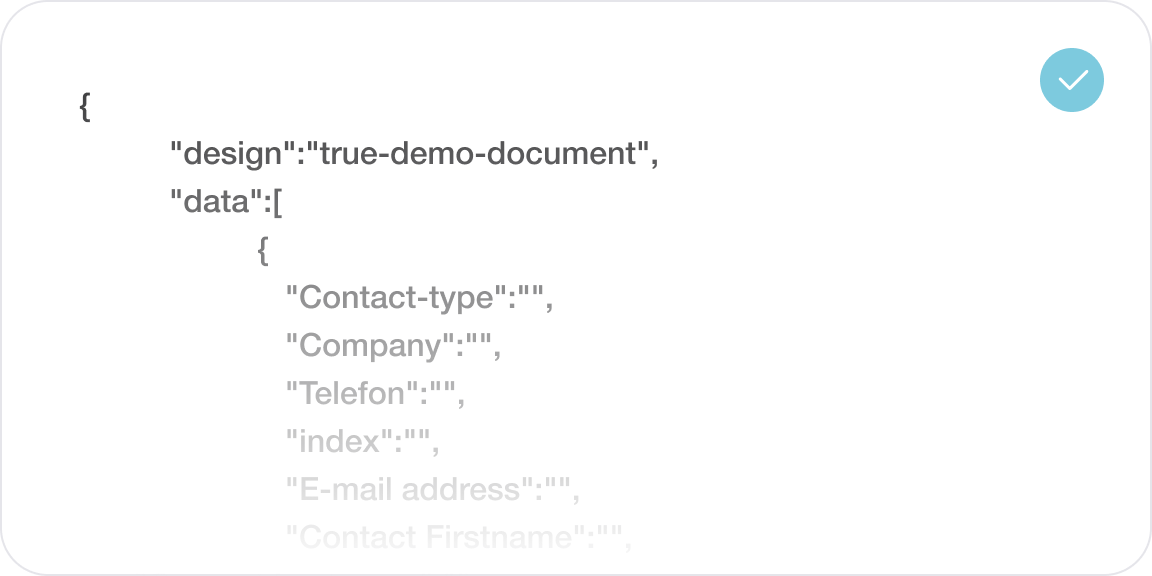
Every compliance training certificate is issued automatically, secured in the blockchain and checkable in seconds by an auditor, a client or a guest, online or on paper with the QR code. Every step of issuing is logged, and TRUE follows Swedac’s rules for it.
Trusted by leading organisations worldwide












We’ve got something special for you
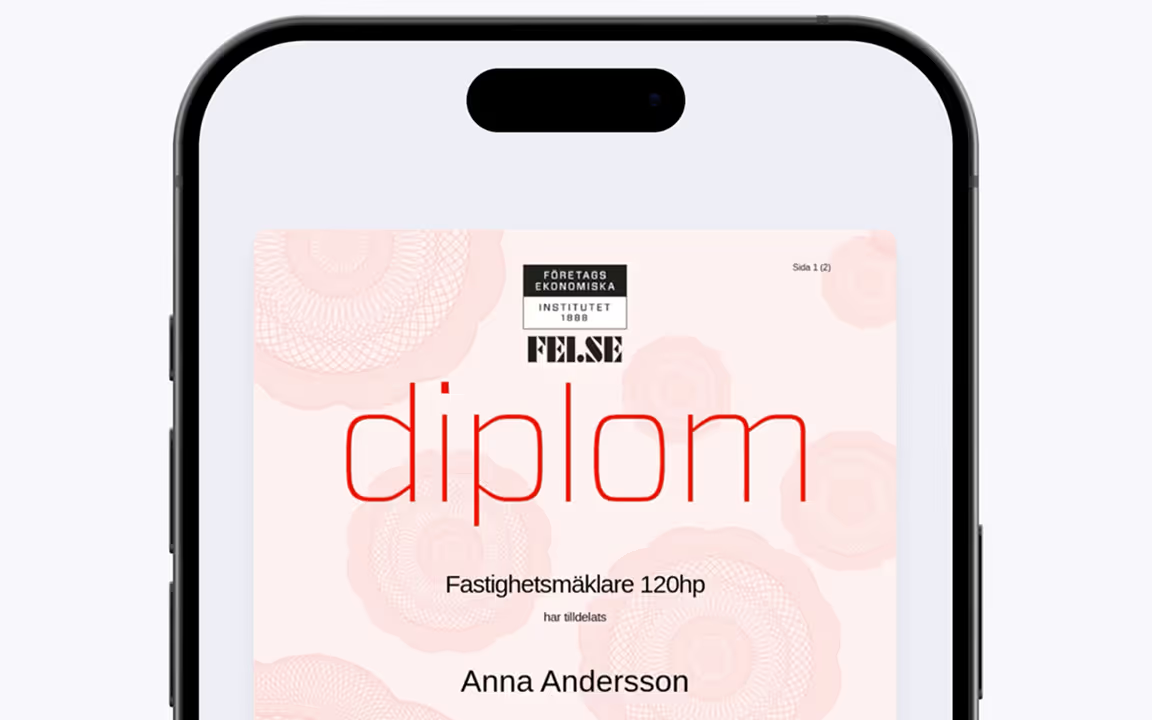
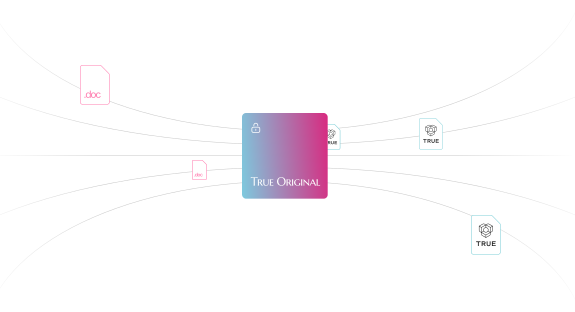


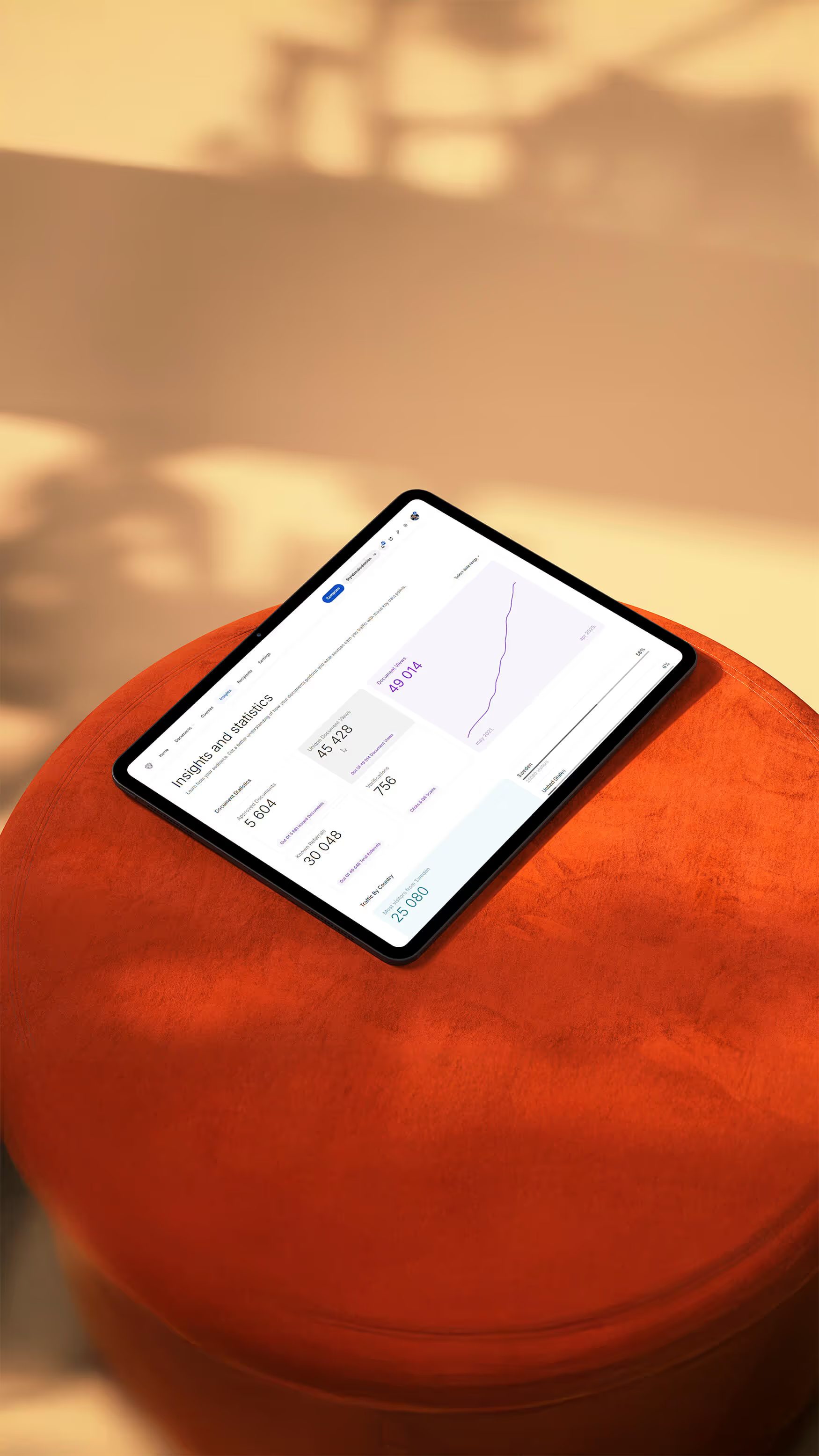
Track Shares and Views


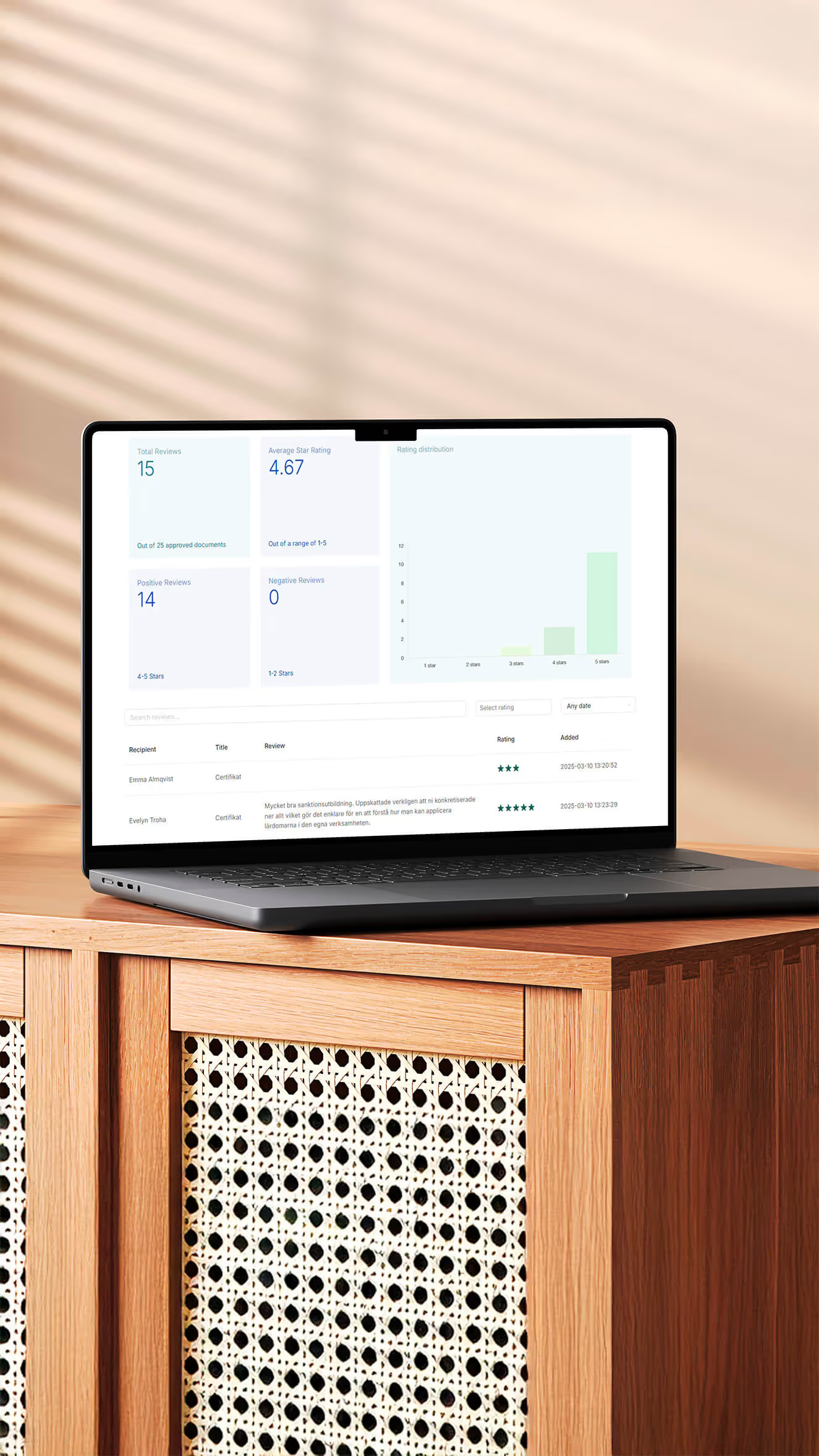
Experience the Power of Reviews


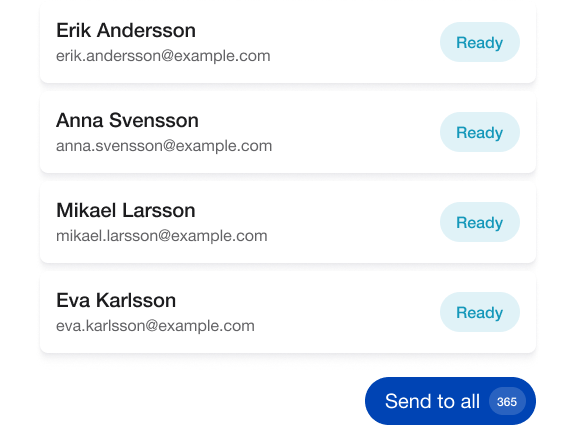
Retarget with new offers, all built in
AI visibility
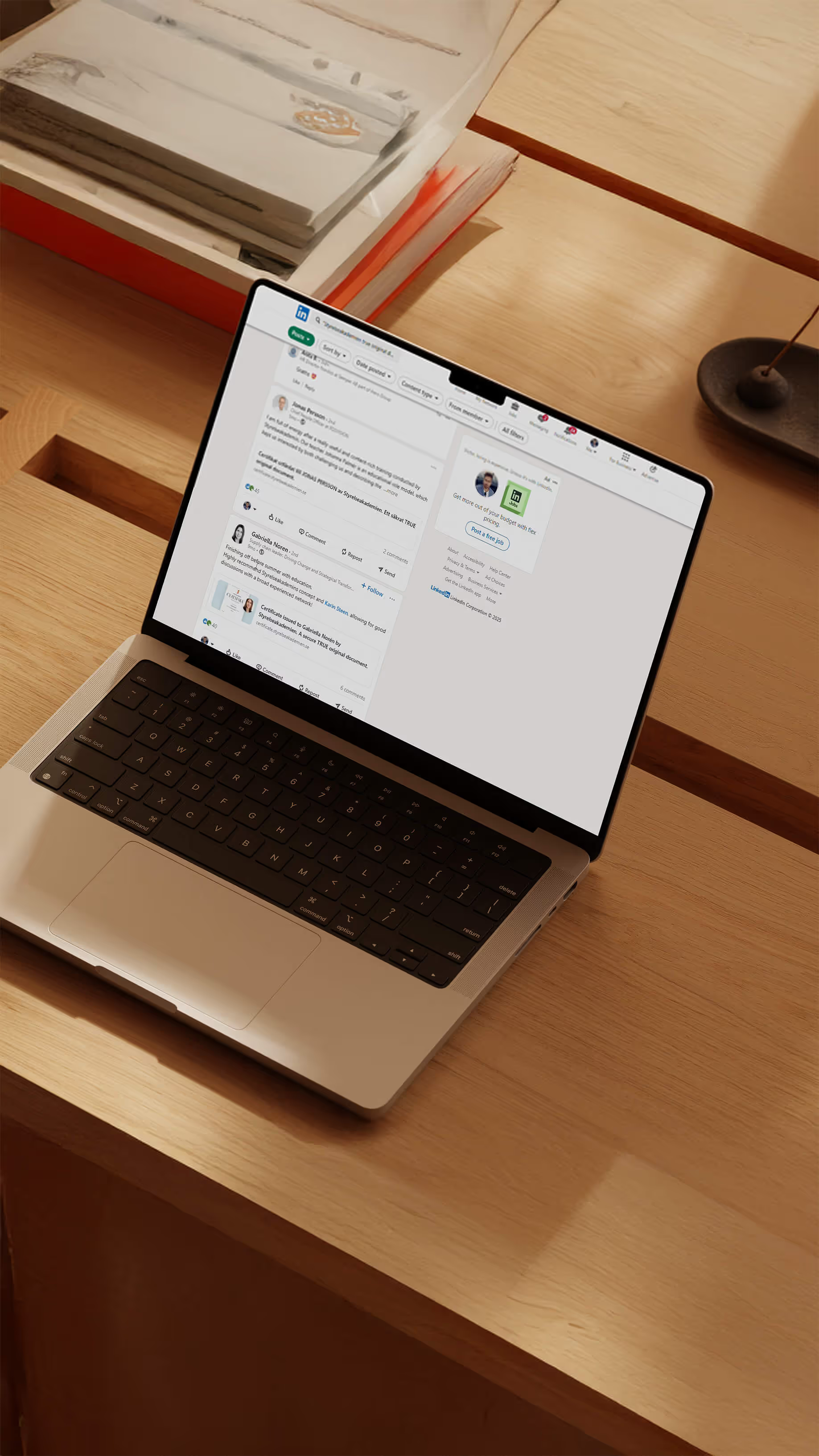
AI answers are built from what can be found and checked online. A PDF in an inbox is invisible there. A verified credential published on your own domain gets attention.
That is 1,000 verifiable proofs that your people are qualified, readable by auditors, clients and AI. We work actively and continuously to keep every page optimised for AI search.
“The digital certificates make it easy for our customers' patients, clients and other stakeholders to check that a certificate is valid.” Martin Hägerdal, Vårdna

As seen in





%2B(51).avif)







Who issues with TRUE
Qvalify helps companies achieve ISO 27001 and other certifications. Its certificates were produced by hand, which took time, and a document like that is easy to forge.
Today every certificate is secured in the blockchain and can be verified instantly. Qvalify follows Swedac’s rules, and so does TRUE: every step of the documentation is logged and kept.
Safe Cert Group inspects hotels on fire safety, hygiene and daily operations. The proof used to arrive as a PDF by email, and a guest had no way to check it.
Every approved hotel now receives a certificate that always shows its current status. Hotels put it on their websites and on screens in the lobby, and more than a thousand certifications have been issued and viewed well over a hundred thousand times.
OneMore Secure helps organisations take control of their cyber hygiene and secure their supply chain. A certificate on paper or as a PDF would have been easy to forge, so they never issued one.
Since the launch in early 2023 every customer has received a certificate through TRUE, on OneMore Secure’s own domain. TRUE is a customer too: the OneMore Secure badge at the bottom of this page opens our own certificate.
Theory is one thing, practice is another
And that's not all - take a look at what some of


How it works
Tell us what you issue and to whom. We show how TRUE would work with your documents.
We tailor the solution to your systems and your brand. Plans start from €100 a month.
We build your certificates in your own design and connect your HR system or the system you issue from.
Your first documents go out, and you see how they are opened and shared. Support is included.

“We are entering an era of AI and automation.
It will become increasingly difficult to know what is real. With TRUE, we can ensure that all important documents and credentials are genuine and verifiable. That goes for your Medical Diploma, your Certificates, Licenses, Land Titles and Invoices.If we make this upgrade, as a society – everybody wins. The only losers will be criminals.”
Patrik Slettman
Founder


Check out our
Questions buyers ask
Give the auditor a link. The certificate shows who completed which training, when, and whether it is still valid, and every step of issuing is logged under Swedac’s rules. Audit-ready certificates in financial services
Scan the QR code, click the verification button, or paste the link into TRUE Verify. Qvalify issues its ISO certificates this way, and the answer comes in seconds.
The certificate always shows its current status, so anyone who checks a withdrawn one is told so. Expiry and renewal, explained
How do I keep track of my document (my link)?
Since your document is published online, you can save the link by adding it to social media platforms like LinkedIn by clicking the icons next to it. You can link to it from a digital CV or Word document. You can save the link as a bookmark on your phone or computer, and you can download the document as a PDF. It's convenient to keep the email with the link to your document in a special folder for easy access. You can log in by clicking “Log in” below the document. Confirm the email you received the document with, and follow the instructions to change your email, add a photo, or modify privacy settings.
How do I best use my digital document?
You can easily share your digital document by clicking the share icons next to it. You can also add it to your education or certification section on LinkedIn. You can download the document as a PDF or video, save it to apps or files, or print it on paper.
How do I hide my document?
As a Recipient you can hide your TRUE document behind a password when you receive it, as well as anytime after. Here’s how:
1. Click the link “Sign in (Recipient)” located below your Document and enter the email address you first received your document at.
2. Click “Privacy settings” and choose to hide your Document behind a Password, or hide it from Search Engines.
How do I verify the authenticity of a TRUE document?
A document issued with TRUE is a true original, published online on the issuer's web page. It is secured with blockchain technology, which makes it more valuable and infinitely more reliable than paper and PDF.
Anyone can verify a TRUE document by clicking the button next to a document (on the web), or by scanning the QR code that appears on the document when it is printed on paper. You can easily scan the QR-code with any smartphone camera. No app is required.
How do I use a Badge / Emblem / Sigil?
Some documents come with a Badge. The Badge is a small representation of the document and can be added to a website or in an email signature.
If your document comes with a Badge you will find the Badge below your document. There are links next to the Badge explaining how to add it to a website or in an email signature. Click the links and follow the instructions.
Can others see my Social Security Number, if it's on the Diploma?
The short answer is No. At TRUE, we advise our customers to never publicly display sensitive information such as Social Security Numbers. Our technology allows us to only display sensitive info to the Recipient/Owner of the Document (when logged in). To see what is visible publicly, simply click the Sign out link below your document.
How does an auditor or client check a certificate?
By clicking the verification button on the certificate, scanning its QR code, or pasting the link into TRUE Verify. The answer comes in a few seconds, and nobody needs an account or a phone call to you.
Is every certificate logged?
Yes. Every step of issuing is logged and kept, and TRUE follows Swedac’s rules for it. A certificate always shows its current status, so anyone who checks a withdrawn certificate is told so.
How long does it take to get started with TRUE?
We can have a new organisation up and running in a couple of days when needed. Every document can have its own design and animation, so the design is worth some extra time.
There are 3 steps to get started with TRUE: Design, Onboarding and First Issue.
Can we use our own design?
Yes. Send us your InDesign or Illustrator files and we will implement them as they are, or add an animation to make them look more modern.
You can have several document templates, for awards, diplomas, licences, memberships, certificates and more.
If you want an upgrade to your current Document-design you can send us your brand guidelines and we will create something great for you. Click to get inspired.
What is your pricing like?
We think secure documents should be within reach of every organisation, and pricing starts at 100 EUR/month with a yearly contract. We offer special pricing for non-profits and some educational institutions. You can pay monthly, quarterly or yearly.
Can I store my documents and prove what I have done?
Yes. TRUE Wallet is a professional profile for anyone:
1. Every document issued to you through TRUE, in one place.
2. Upload the ones issued by somebody else.
3. Experience, education and skills the people who were there can confirm.
Build your TRUE Wallet
Not sure where to start? Let us help!
Trusted by leading organisations worldwide